Tower Rush on Mobile
Good news and a warning. The good news: Tower Rush plays perfectly on Android and iOS — straight in your browser, with nothing to install. The warning: there is no official real-money app, and the "Tower Rush" you'll find in app stores is a different game. Here's how to play on your phone the right way, and how to spot the fakes.
It Runs in Your Browser
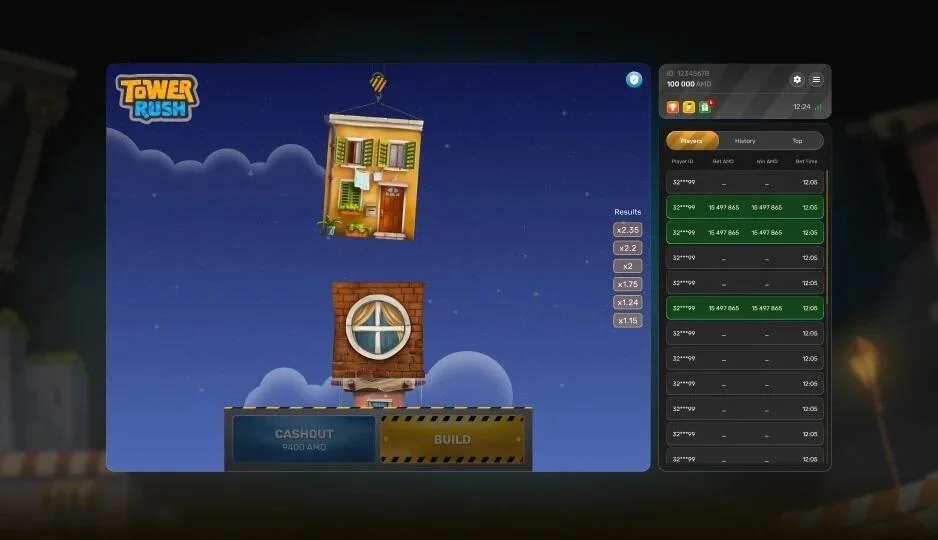
Galaxsys built Tower Rush mobile-first in HTML5. That means it loads and runs directly in your phone's browser — Chrome, Safari, Firefox, any modern one — with no app, no APK and no app-store download. Tap a link, the game appears, you play. The whole thing weighs less than a typical web page.
On a phone the layout adapts automatically: the tower fills the screen and the Build and Cash Out buttons are large and spaced apart for safe thumb access, so you don't fat-finger a build when you meant to cash out. It stays smooth on mid-range Android phones and works fine over mobile data.
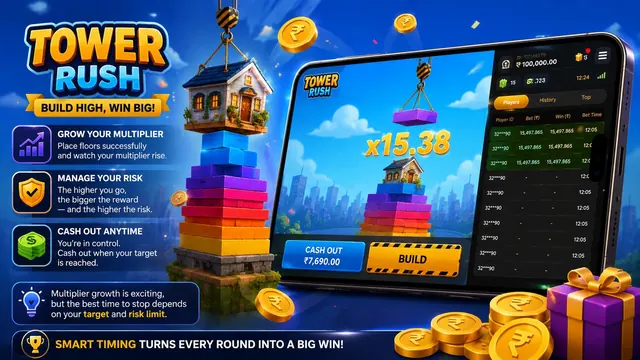
Everything is identical to desktop — the same 96.12–97% RTP, the same Frozen, Temple and Triple Build floors, the same provably fair RNG. Nothing is cut down for mobile.
Is There a Tower Rush App?
Short answer: not the one you're probably looking for. Here's exactly what does and doesn't exist, so you don't waste a download — or get caught by a fake.
No real-money app
Galaxsys is a B2B game studio — it powers casinos, it doesn't publish a betting app. So there is no official Tower Rush app or APK for real-money play. The game lives inside licensed casino sites, in your browser.
The Play Store one is different
The "Tower Rush" you'll find on Google Play is a free arcade stacking game for fun only — its own listing states it has no betting or real-money features. Same name, different product. It won't connect to a casino.
"Download" sites are affiliate spam
Pages promising an "official Tower Rush APK" are marketing or outright fakes — some describe a completely different tower-defense game. Treat any third-party APK as a security risk, not a shortcut.
How to Play on Mobile
No app store, no APK — three steps in your browser.
Open Your Browser
Chrome on Android, Safari on iOS, or any modern mobile browser. There's nothing to install first.
Go to the Demo or a Casino
Open the free demo to practise with virtual credits, or sign in at a licensed casino that accepts Indian players and INR to play for real.
Tap and Play
The HTML5 game resizes to your screen automatically. Build and Cash Out sit under your thumbs — start building.
Want an Icon? Add to Home Screen
If you'd like a one-tap icon that opens the game like an app — without downloading any APK — your browser already does this. It creates a safe shortcut that launches the site full-screen.
On iPhone (Safari): tap the Share button, then "Add to Home Screen". On Android (Chrome): open the three-dot menu, then "Add to Home screen". You'll get a Tower Rush icon on your home screen that behaves like an app, with zero security risk.
Device & Connection
Tower Rush is light. If your phone can open a website, it can run the game.
Mobile Questions
Is there an official Tower Rush app?
There's a Tower Rush on Google Play — is that it?
Do I need to install anything?
Are "Tower Rush APK" downloads safe?
Does it work on iPhone?
How do I get an app-like icon without an APK?
Play on Your Phone Now
No download, no waiting. Open the free demo in your mobile browser and start building — then play for real at a licensed casino when you're ready.